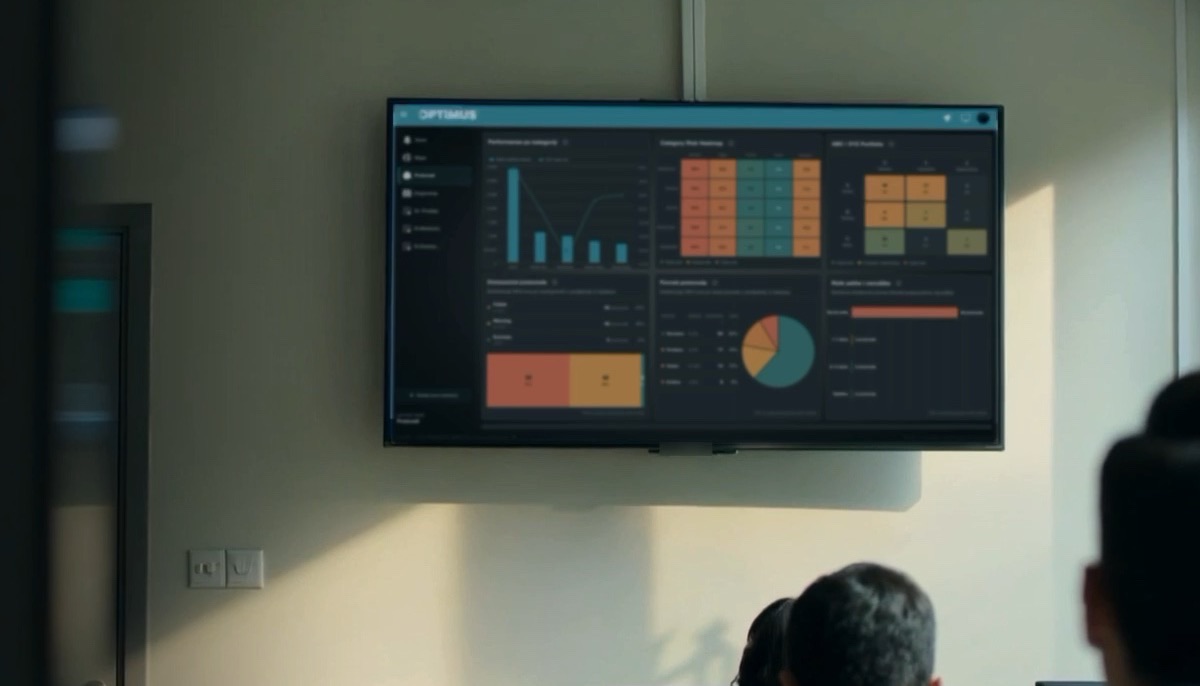
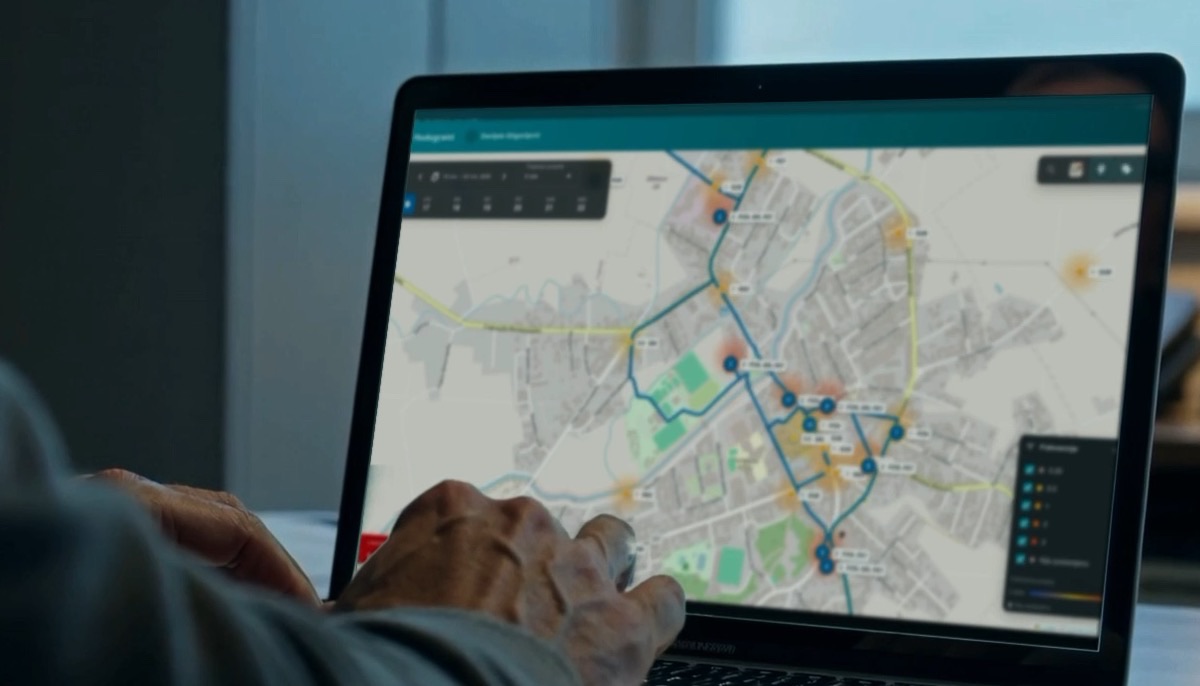
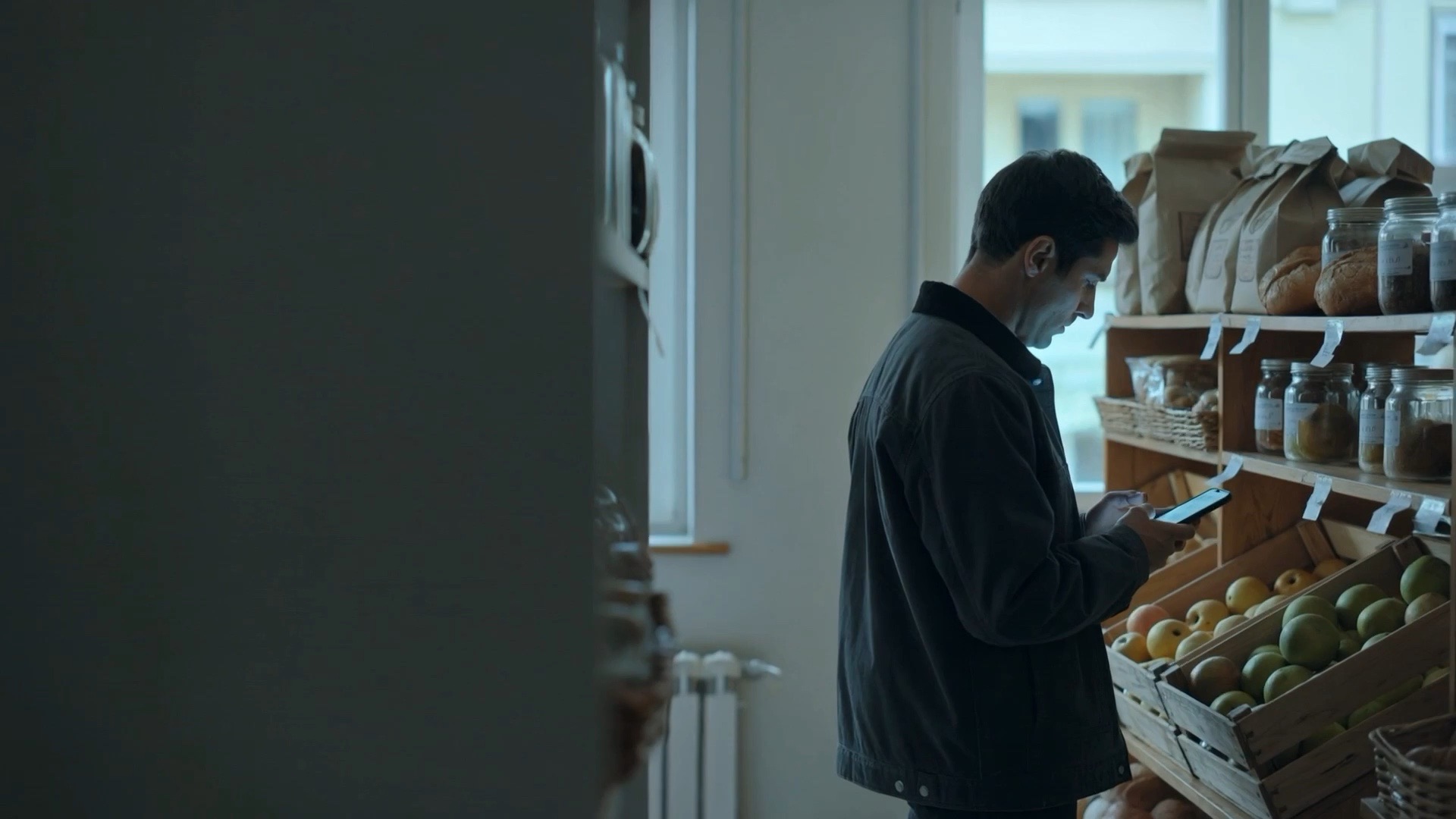
Sales representative checking a shelf with a phone in a neighbourhood grocery store

SALES FORCE AUTOMATION

Every location managed.Every activity covered.

Manage everything that happens at your customers' locations. OPTIMUS brings visits, tasks, orders, stock checks, merchandising, claims and collections into one set of field tools — with live data from your ERP, even when the field works offline.

Request a demo
PART OF THE OPTIMUS PLATFORM

CAPABILITIES

What Sales Force Automation brings to your team.

Location activity management · Visit & route planning · Tasks & follow-ups · Order capture · Live prices & credit · Offline mode

Location activity plans

Every customer location carries its own work plan — the orders due, the tasks open, the checks scheduled — so the rep arrives knowing everything the location needs.

More than orders

A visit can be for stock, a promotion set-up, a claim, a collection or a negotiation. Order capture is one reason to visit, not the only one.

Tasks & follow-ups

Client commitments become assigned tasks with owners and due dates, closed out in the app and logged against the customer's history.

Order capture

When an order is due it's taken on the spot with live prices, promotions and stock levels — no calls back to the office, no re-keying.

Live prices, credit & stock

Price lists, promotions, credit status and stock flow from your ERP to the field in real time — the same rules for every rep.

Offline mode

Reps keep working without a signal; every order, task and note syncs the moment they're back online.

AT THE LOCATION

Where the whole relationship runs.

The client's location is where all the work happens. OPTIMUS manages every activity tied to it, so the field team carries the full account on site — and the visit plan follows the work, not the other way around.

01

Orders & replenishment

Capture orders against live prices, promotions and stock — one reason among many to be at the location.

02

Stock & availability

Count what's on the shelf and in the backroom, flag out-of-stocks and record what's actually available to sell.

03

Merchandising & planograms

Check shelf position, facings and planogram compliance, and fix what isn't as it should be.

04

Promotions & launches

Set up campaigns and new products on site, and confirm they landed the way they were planned.

05

Claims & complaints

Register and follow up claims against the customer's history instead of letting them drift between visits.

06

Payments & agreements

Collect due amounts and record new commitments — terms, ranges, service levels — on the spot.

IN THE FIELD

Tools for every
business and customer need.

The OPTIMUS field app is a set of tools for managing client expectations, tasks and routing — the CRM layer that sits between your team and the customer, well beyond logging a visit.

  • Client expectations captured — agreed ranges, service levels and commitments tracked per customer.
  • Tasks, follow-ups and approvals scheduled, assigned and closed out on time.
  • Routing and daily plans built around priorities, with the customer's history one tap away.
  • Every interaction logged and synced — orders, photos, notes and stock — straight to your ERP.

Illustrative screens — the layout is shaped around your own customers, price lists and service rules.

OPTIMUSAmir · Territory North
AM

CLIENT EXPECTATIONS

Market Centar

Agreed range 42 SKUs · follow-up Thu

2 open tasks

OPEN TASKS

Collect signed rangeMarket Centar · due 11:00Due
Confirm promotional stockKiseljak · due todayOpen
Resolve delivery claimTuzla · raised 08:20Escalated
Closed today3 of 5 tasks
Offline — 2 task updates queued for sync
ClientsTasksRouteOrders
Task closedFollow-up logged · 09:42
Credit check passedLimit 5,000 KM · 1,240 KM open

VISIT ROUTE PLANNING

The day, planned
before it starts.

Plans are built from each customer's visit frequency and from the time each visit is planned to take, alongside the actionable work waiting at every location — orders, tasks, checks and claims — so the route isn't fixed. As priorities change during the week, the plan changes with them, and the rep always opens the app to the next right stop.

  • Visit frequencies set the baseline — weekly, bi-weekly or monthly per customer, turned into a calendar per rep, per day — covering everything the location needs, not only order-taking.
  • Every stop carries its planned visit duration, so the day is filled with real time in store plus driving time, not a guess at how long each call runs.
  • Actionable task priorities move stores up the list: out-of-stock risk, open claims, promotions to set up or overdue follow-ups.
  • Plans are dynamic: when priorities change at a location, the route re-sequences itself around opening hours and driving time.
  • What the rep sees on the phone is what the supervisor sees in the office — one plan, kept honest by actual visits.

Illustrative route — the real plan is built from your own visit frequencies, planned visit durations, opening hours and store priorities.

Planned visit route6 stops planned for one rep's day inside a single region of Bosnia and Herzegovina. Each stop shows its visit time, its visit frequency and the duration planned for the visit. Three stops are completed, one is in progress and the rest are still planned. All figures are illustrative.108:15209:10310:05411:05512:00613:20
CompletedIn progressPlanned
Visit frequencyEvery 2 weeks · 2Weekly · 3Twice a week · 1

EXECUTION & VERIFICATION

Executed as planned.
Verified as done.

A planned visit only counts if it happened as planned. OPTIMUS takes the pre-planned steps for each location, walks the rep through them in a controlled sequence, and verifies every one against the plan — so execution isn't a claim, it's evidence.

  • Every visit carries pre-planned steps — defined centrally per customer, task or campaign, not improvised in the field.
  • The app guides the rep through the sequence in a controlled order, and a step can't be quietly skipped.
  • Each step closes with proof: a check-in, photo, count or signature, captured at the location and tied to the customer and the time.
  • Results are checked against the plan — completed vs planned, counts vs target, shelf vs standard — and deviations surface to the supervisor as they happen.

Illustrative visit — the steps, their order and the proof required are shaped around your own processes and verification rules.

OPTIMUSAmir · Market Centar · visit 3 of 9
AM

PRE-PLANNED STEPS

Check in at locationGPS & time stamp matched to the planVerified
Stock count42 SKUs counted · photo attachedVerified
Planogram checkPhoto vs standard — facing short by 2Deviation
Order capture6 lines · 214 pcs · credit passedDone
Payment follow-upSignature collected on settlementDone
Promotion set-upShelf strip & display · due 14:30Next
Plan check5 of 6 verified · 1 deviation
Evidence syncing — photos, counts and signature attached
ClientsStepsRouteOrders
Step verifiedStock photo attached · 10:14
Deviation flaggedPlanogram mismatch · sent to supervisor

SALES TARGET PLANNING & REALIZATION

Targets planned.
Realization, live.

Targets are planned where the work happens — per rep, per store and per product group — and realization is watched as the month runs. Every confirmed order, visit and delivery in the field flows into the numbers, so you always see where you stand against the plan right now, not at month-end.

  • Targets are planned per rep, per store and per product group — split by week, not as one flat monthly number.
  • Realization streams in real time: every confirmed order, visit and delivery in the field updates the numbers within seconds.
  • Progress is compared against where the plan says you should be on this day of the month, so gaps surface mid-month — not at month-end.
  • A shortfall is traceable: drill from the rep to the stores and product groups behind it while there is still time to act.

Illustrative period — targets, weeks and pace rules follow your own sales planning.

Targets & realization — Territory North · 34 stores

October 2026 · working day 17 of 22

66% realizedLive
Realized€121,35066% of €184,000
Pace vs plan+3.0% vs planexpected 64% by now
Left to close€62,6505 working days · €12,530/day
€0€50k€100k€150k€200kW1W2W3W4W5Target €184,000Day 17 · today+€3,550 vs plan
Realization to datePlanPeriod target
Realization by repAgainst own targetOf target
  • Lejla8 stores · €30,100 of €42k
    72%Ahead
  • Kenan7 stores · €23,200 of €36k
    64%On pace
  • Selma9 stores · €30,800 of €46k
    67%Ahead
  • Emir6 stores · €17,800 of €30k
    59%Behind
  • Hana4 stores · €19,450 of €30k
    65%On pace
LiveOrder confirmed — Market Centar +€612 synced 10:42 · €9,840 booked today

WHO USES IT

The same platform,
seen from each seat.

Pick a role to see what that person opens first, and what OPTIMUS puts in front of them.

Sales Agent

Runs the day on the ground — the next stop, the customer's live position, and the order built at the shelf.

Visit list & route

Today's stops in sequence, with addresses, contacts and the last visit one tap away.

Order capture

Lines, quantities and promotions entered against live prices from your ERP.

Credit & stock checks

See whether the customer can order before the order is confirmed.

Shelf & merchandising

Photos, facings and competitor notes logged against the visit.

Offline working

Keep selling with no signal; the visit syncs the moment coverage returns.

Signed confirmations

Customer sign-off captured on the spot and tied to the order.

OPTIMUS · Sales AgentToday’s route
6 / 9stops completed
  • Market Centar09:40 · Order €1,240
    Done
  • Mini Market Bulevar11:15 · 3 tasks
    Next
  • Kiosk Stari Grad12:30 · Credit check
    Open
  • Super Ilidža14:00 · Promo setup
    Open

PRODUCT OFFERING

Right product.
Right time.
Right location.

Every location is a shelf of its own, and what belongs on it keeps moving with the season, the promotion and what that store has already sold. OPTIMUS lets you set the optimal product offering for each store — and keeps it honest, calculating what that location actually holds and raising the gaps before they cost an order.

  • Set the product offering per location, customer, chain or store type — changes reach every rep's app.
  • The offering moves with the calendar: promotions open and close, launches start, and lines drop out when they stop earning their place.
  • Each line on a list carries a behaviour: recommended, mandatory, restricted, return based or promotional.
  • Availability is calculated per store location from visit and order data, not estimated.
  • Products trending toward empty are flagged as likely out of stock before the next visit.

Illustrative stores and figures — the offering at each location is calculated from your own product lists and store data.

Store visit urgency map34 stores plotted across the map — 12 low urgency, 12 medium urgency, 10 high urgency. Each marker shows the share of that store's product list that is not available. All stores and figures are illustrative placeholders.43%7%28%27%13%6%35%41%31%33%3%16%19%14%2%30%26%22%20%9%12%24%5%8%18%6%17%8%15%9%38%11%7%4%

A list is not a flat catalogue.

Every line carries a type that decides how the rep sees it and what they can do with it — set per customer, chain or store type, and applied the same way in the field and in your ERP.

  • Recommended

    Rep decides

    OPTIMUS proposes the lines this store should carry — from what similar stores sell and what this one has stopped buying. The rep accepts, adjusts or skips.

  • Mandatory

    Must be offered

    The core range that has to be offered at every visit. A mandatory line left out is flagged before the order can be closed.

  • Restricted

    Blocked

    Lines this customer may not buy — channel exclusions, price-restricted items or products not cleared for that market. They never show as orderable.

  • Return based

    Collected on the visit

    What has to come back off the shelf: expired, damaged or recalled stock, picked up and credited against the same visit.

  • Promotional

    Time-boxed

    On the list only while the campaign runs and off it again the day it ends, so a rep cannot sell a promotion that has finished.

  • New product

    Until it earns a place

    Pushed to the stores chosen for a launch and tracked there until it either earns a permanent place on the list or is dropped.

One customer's list can hold all of them at once — a mandatory core, recommended additions, restricted blocks, a returns leg and whatever the current campaign needs.

IN-STORE EXECUTION

The shelf,
kept to standard.

Every customer is a store with its own shelf, and that shelf decides what sells. OPTIMUS keeps it honest: it counts the stock on it, measures the visibility each product is given, checks the planogram standard is actually implemented — and logs what the competition has put next to it.

  • Stock is counted on the visit and reconciled with orders — what the rep sees is what the shelf holds.
  • Every product is given its place in the planogram: facings, position and shelf share, per store type.
  • The shelf is audited against the standard on the visit, and the gaps are closed on the spot.
  • Products trending toward empty are flagged as likely out of stock before the next visit.
  • Competitor facings, prices and promotions are logged on the same visit, so every standard is defended with facts.

Illustrative customer and figures — real shelf data is captured from your own visits and planograms.

Market Centar · shelf auditActual vs. planogram
Shelf positioning and stock complianceSolid product outlines show present products. Dashed outlines show missing facings. Teal marks products on plan, amber marks gaps or low stock, and red marks out-of-stock products. Competitor products are shown in gray.Sparkling water 1.5L100% on plan · 42 unitsYoghurt 180g100% on plan · 1 day coverIced tea 0.5L100% on plan · 18 unitsChocolate bar 90g50% on plan · 24 unitsOrange juice 1LOut of stockCompetitor juice3 facings · 12% lower price

Four things the visit keeps honest.

One visit covers the whole shelf: what is on it, where it sits, what the standard says it should look like — and what the competition has done next door.

  • Customer stock

    Stock counted on the visit and reconciled with orders, with days of cover per product — so empties are predicted, not discovered.

  • Shelf visibility

    Facings, position and share of shelf captured per product, so the visibility each product is given is measured rather than guessed.

  • Planogram standards

    Each store carries its planogram — facings, position and assortment per shelf. The rep audits the shelf against it and closes the gaps on the spot.

  • Competitor tracking

    Competitor facings, prices and promotions logged on the same visit, so the standard is defended with facts, not opinions.

AUTOMATED ORDER CREATION

Orders predicted.
Quantities calculated.

OPTIMUS drafts the order before the visit. Each product is analysed from predictions, promotional activity, seasonality and how it performs at that exact store, then filtered through the assigned product lists and return restrictions — and the quantity on every line is calculated, not guessed.

  • Every product is analysed against its own demand prediction, the promotions it belongs to and the season it sells into.
  • The store's assigned product list decides what may be ordered; return restrictions keep anything ineligible out of the draft.
  • Quantities are calculated dynamically from overall product performance at store level — not from a company-wide template.
  • The order is drafted before the rep opens the door: they review, adjust or confirm it, and it flows straight to the ERP.

Illustrative draft order — real drafts are calculated from your own predictions, promotions and store history.

Draft order — Market Centar

Auto-built · delivery Thursday

12 linesQty calculated
Sparkling water 1.5LPromotion · summer season peak
48 pcs+6 vs last
Yoghurt 180g · 12-pack6-week demand prediction
30 pcssteady
Chocolate bar 90gNew product · launch list rules
24 pcsfirst order
Orange juice 1LStore-level sell-through
18 pcs-4 vs last
Returnable bottlesReturn-based · pickup only
—held
Reviewed & confirmed by the repStraight to your ERP
OPTIMUSAmir · Territory North
AM

DRAFT ORDER — Market Centar

12 linesQty calculated
Sparkling water 1.5LPromotion · summer season peak
48 pcs
Yoghurt 180g · 12-pack6-week demand prediction
30 pcs
Orange juice 1LStore-level sell-through
18 pcs
Returnable bottlesReturn-based · pickup only
Pickup
Review & confirm

Six inputs behind every draft.

The quantity on each line is the result of these inputs working together — predictions set the baseline, promotions and the season bend it, and the lists and restrictions decide what is allowed into the order at all.

  • Predictions

    Forecasted demand per product and per store sets the baseline quantity every line starts from.

  • Promotional activity

    Active promotions lift the quantity for the campaign window and taper it back down as the campaign closes.

  • Seasonality

    Seasonal curves bend each line up or down with the time of year the product actually sells.

  • Assigned product lists

    Only what the store's list allows can enter the draft — restricted or off-list lines never appear as orderable.

  • Return restrictions

    Return-based and restricted lines are held out of the draft; pickups ride along as credits instead of new quantities.

  • Product performance

    Overall performance at store level tunes the quantity line by line — what this location sells, not a flat template.

ONE PLATFORM

Also part of the platform

Each solution stands on its own and runs on the same data, so the rest of your operation is one step away.
LET'S MOVE FORWARD

Your next chapter
starts here.

Request a demo and see what connected operations could look like for your business.

What happens next
  1. 1You send the request.
  2. 2We get in touch to arrange a time.
  3. 3You see OPTIMUS at work on processes like yours.