Route building
Build routes around delivery windows, territories and priorities instead of fixed lists and habit.

ROUTE PLANNING & DELIVERY
Connect route planning to the final handover. Build routes around delivery windows, vehicle capacity and priorities, then guide dispatch, capture proof of delivery and complete settlement.
Request a demoCAPABILITIES
Route building · Stop sequencing · Load & capacity · Warehouse handoff · Dispatch · Proof of delivery · Delivery data share · Delivery cost analytics · Settlement
Build routes around delivery windows, territories and priorities instead of fixed lists and habit.
Order stops so drivers spend time delivering, not backtracking — and customers get realistic arrival times.
Match orders to vehicle capacity before the truck leaves, so nothing is loaded twice or left behind.
Hand routes to drivers digitally and follow progress stop by stop as the day unfolds.
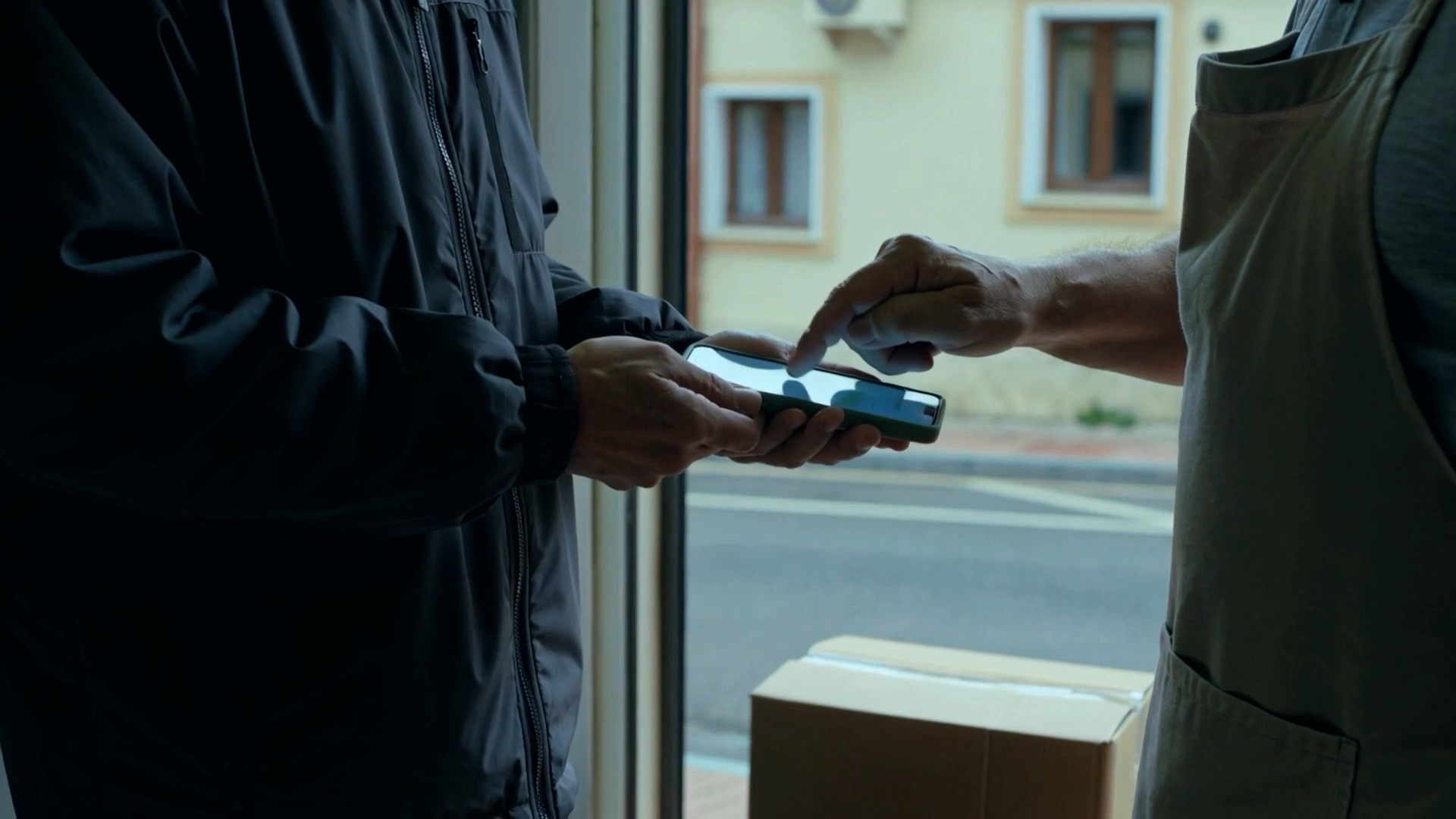
Capture signatures, photos and quantities at the door — the delivery is proven the moment it happens.
Every closed stop is shared with the other users of the platform — the sales agent first, with anything not delivered in full flagged.
Every drop and every product line priced automatically from the day's route data — cost per location and cost per unit, on the rates you set.
Completed deliveries flow straight into invoicing and settlement in your ERP, closing the loop.
OPTIMAL ROUTE CREATION & CAPACITY PLANNING
OPTIMUS builds each day's routes from the orders to deliver, the windows to hit and the fleet that is available — sequencing stops for the least driving and matching every load to the vehicle that can carry it. Dispatch starts the day with a plan that already fits.
Stops are ordered by driving time, delivery windows and priorities — the shortest workable day, not the order the orders arrived in.
Every order's weight and volume is matched against the vehicle before the route is confirmed, so a truck never leaves overloaded or half empty.
Routes are assigned to vehicles by capacity, body type and territory — a reefer for the cold chain, a van for the city centre.
Routes respect the rules of the road — government entry bans, city-centre and location restrictions, weight and time-window limits — so a planned route is one the vehicle is actually allowed to drive.
Illustrative plan — real routes are built from your own orders, delivery windows, vehicles and territories.
3 vehicles · 12 stops · weight & volume checked
GOODS HANDOFF
The handoff happens twice: at the dock before the vehicle leaves, and again when the driver comes back. OPTIMUS records both — counted, signed on both sides and reconciled against each other — so stock never drifts and the day closes with nothing unaccounted for.
The load is counted against the manifest before the vehicle leaves, so what the driver accepts is what the warehouse released.
The clerk and the driver sign the same handoff — the load stops being one side's claim the moment it changes hands.
Refused, damaged or undelivered goods are counted in on the driver's return and put back into stock the same day.
Empties, scanners, collected cash and signed documents are handed back and logged against the driver who carried them.
What went out equals what was delivered plus what came back, so stock never drifts and the driver's day is settled.
Illustrative handoff — the goods, empties and papers checked at your own dock, and who signs for them, follow your own warehouse rules.
Belgrade depot · Dock 3 · Iveco Daily 35C14 · BG 1482-KM
PROOF OF DELIVERY
A delivery isn't finished when the driver says it is. OPTIMUS captures the proof while the driver is still at the door — signature, photos, counted quantities, time and position — and attaches it to the order, so the invoice that follows is backed by evidence instead of memory.
A pen signature is captured on the driver's device and tied to the person who accepted the delivery — no paper left behind to chase.
Pallet and shelf photos plus counted quantities against the manifest, so a short or damaged load is recorded while the driver is still standing there.
Every drop carries its timestamp and GPS position, so the delivery is placed exactly where and when it happened.
Refusals, rejections, damaged goods and short lines are logged with the reason the customer gave, not left as a blank field.
The proof attaches to the invoice, so a disputed delivery is answered in seconds with the evidence already on file.
Illustrative receipt — the evidence required at each stop, and where it goes afterwards, follows your own delivery and settlement rules.
Konzum · Kopernika 12 · stop 3 of 9 · Route A · North · Iveco Daily 35C14 · BG 1482-KM
DATA SHARE
A stop that only the driver knows about hasn't really landed. The moment a delivery is closed, OPTIMUS shares it with the other users of the platform who need it — and the sales agent who owns that customer is the first to see it, with anything not delivered in full already flagged.
The result of every delivery — quantity, time, signature and photos — goes out to the people on the platform who need it, instead of sitting in the driver's device until the end of the day.
The sales agent who owns the location is informed before the next visit, so they walk in knowing what was left on the shelf and what never arrived.
Short, refused, damaged and undelivered lines are flagged on the feed with the reason the driver logged at the door — never flattened into a single 'delivered'.
The missing quantity becomes a task on the agent's list with the reason attached, so it is chased on the next visit rather than remembered.
Supervisor, call centre and back office see exactly what the agent sees, so a customer question is answered from the record instead of from memory.
Illustrative feed — which users receive which delivery fields, and what a flagged stop triggers, follows your own platform roles and rules.
Sales agent · Amir Mesković · Route A · North · 14 Oct 2026 · 6 of 9 stops
DELIVERY COST ANALYTICS
The route is planned, the goods are handed over and the delivery is proven — and the day's cost is already in the numbers. OPTIMUS prices each stop against the rates you set and spreads the result across the locations served and the products actually delivered, so the cost of a drop and the cost of a unit are both on the table before the truck is back at the dock.
Kilometres driven, minutes at the door, chilled loads and failed visits are costed against your own rates as each stop is closed — no month-end spreadsheet rebuilding the day.
Every drop carries its own figure, so a small stop far off the main line that costs more to serve than it earns sits next to the drop that pays for the day.
The day's cost is spread across the lines actually delivered, so you see what a unit of each product really costs to put on the shelf, not only what it sells for.
Fuel and wear per kilometre, driver time, handling per drop, cold-chain energy and the cost of a visit that produced nothing — set once, then every route is calculated identically.
Cost per drop and cost per unit feed pricing, minimum order quantities, delivery frequency and route design, and settle alongside the delivery in your ERP.
Illustrative rates and a single day's route — the rates, the allocation rules behind the product figures and the lines each product covers follow your own costing.
14 Oct 2026 · 6 drops · 292 units
Cheapest €0.23/unit at Konzum · dearest €0.77/unit at Gomex
Bar = share of the day's cost · Bili 0.33L can costs most to deliver at €0.58/unit · 41% above Lion 0.5L PET
ONE PLATFORM
Each solution stands on its own and runs on the same data, so the rest of your operation is one step away.
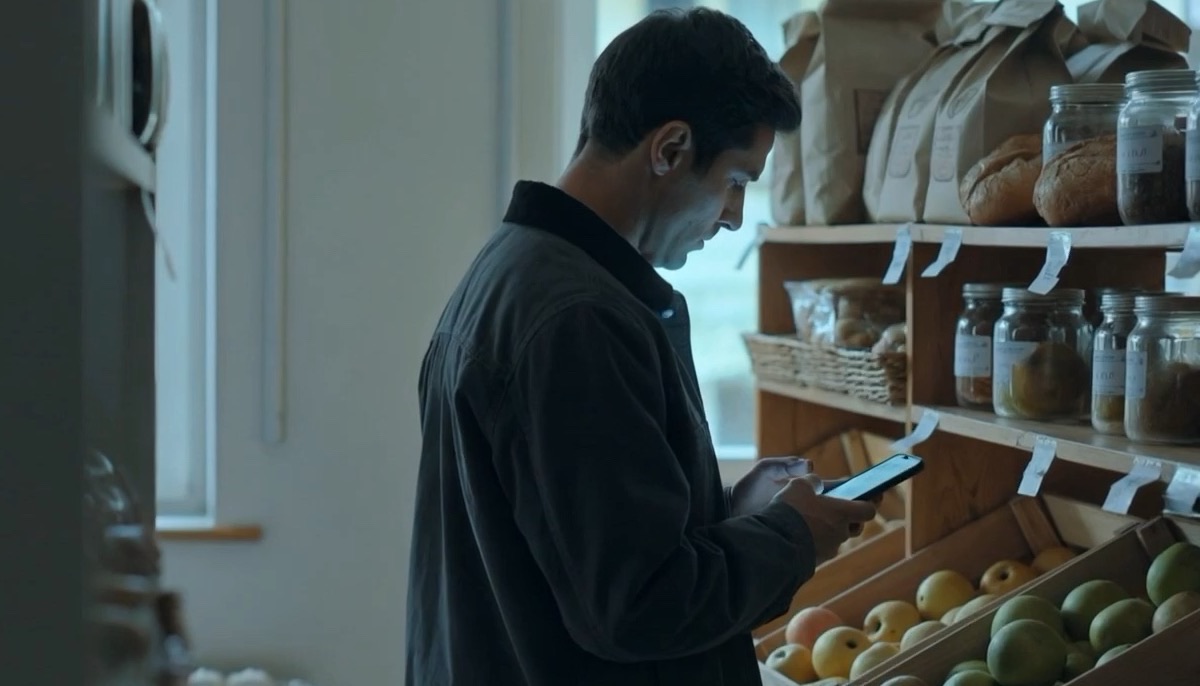
All activity at the client's location, managed in one app.
Explore this solution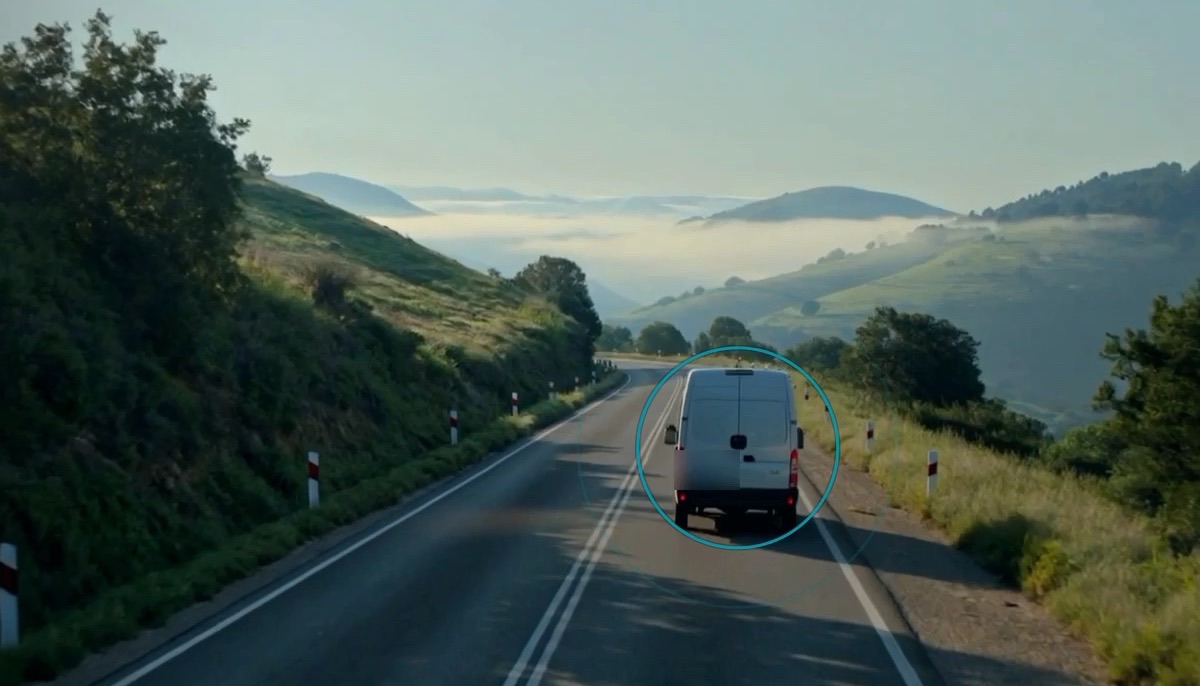
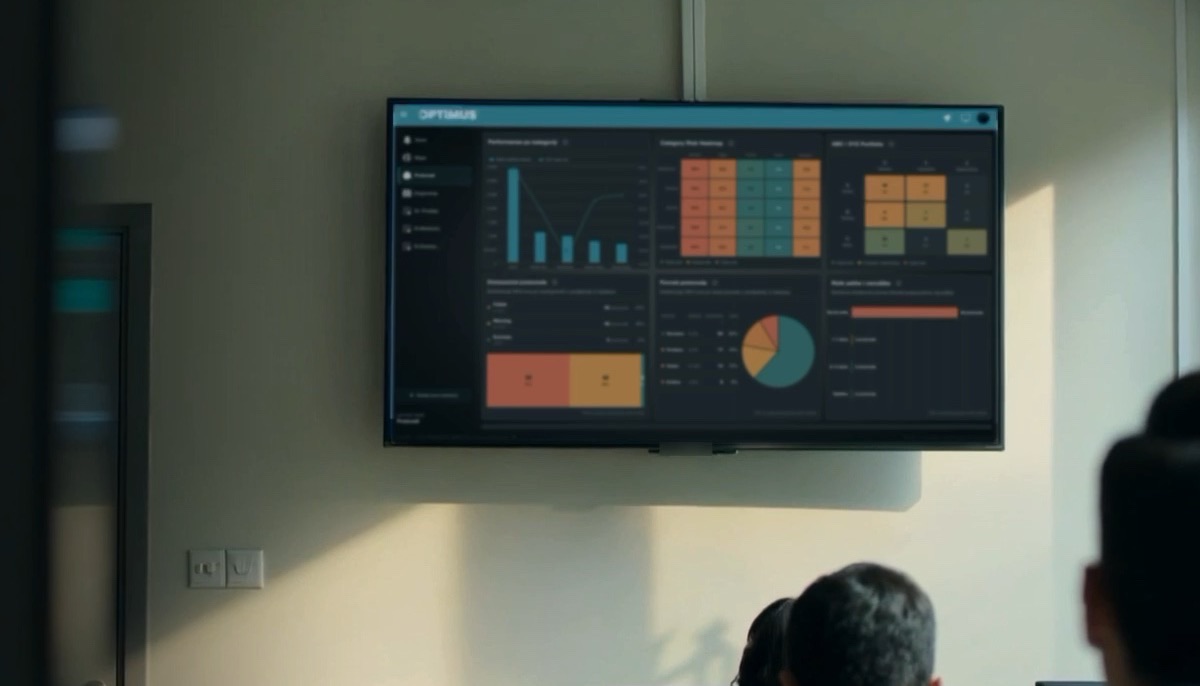
Dashboards and reports built on your own operational data.
Explore this solution
Routine approvals, checks and alerts handled automatically.
Explore this solutionLET'S MOVE FORWARD
Request a demo and see what connected operations could look like for your business.